Every matter, managed. Tracking, orders, e-filing and documents, done for you.
I keep every CNR in sync across 26,000+ courts, read each new order and draft the reply, send tomorrow's causelist, fix e-filing defects, and keep your case documents in order. On WhatsApp or App.
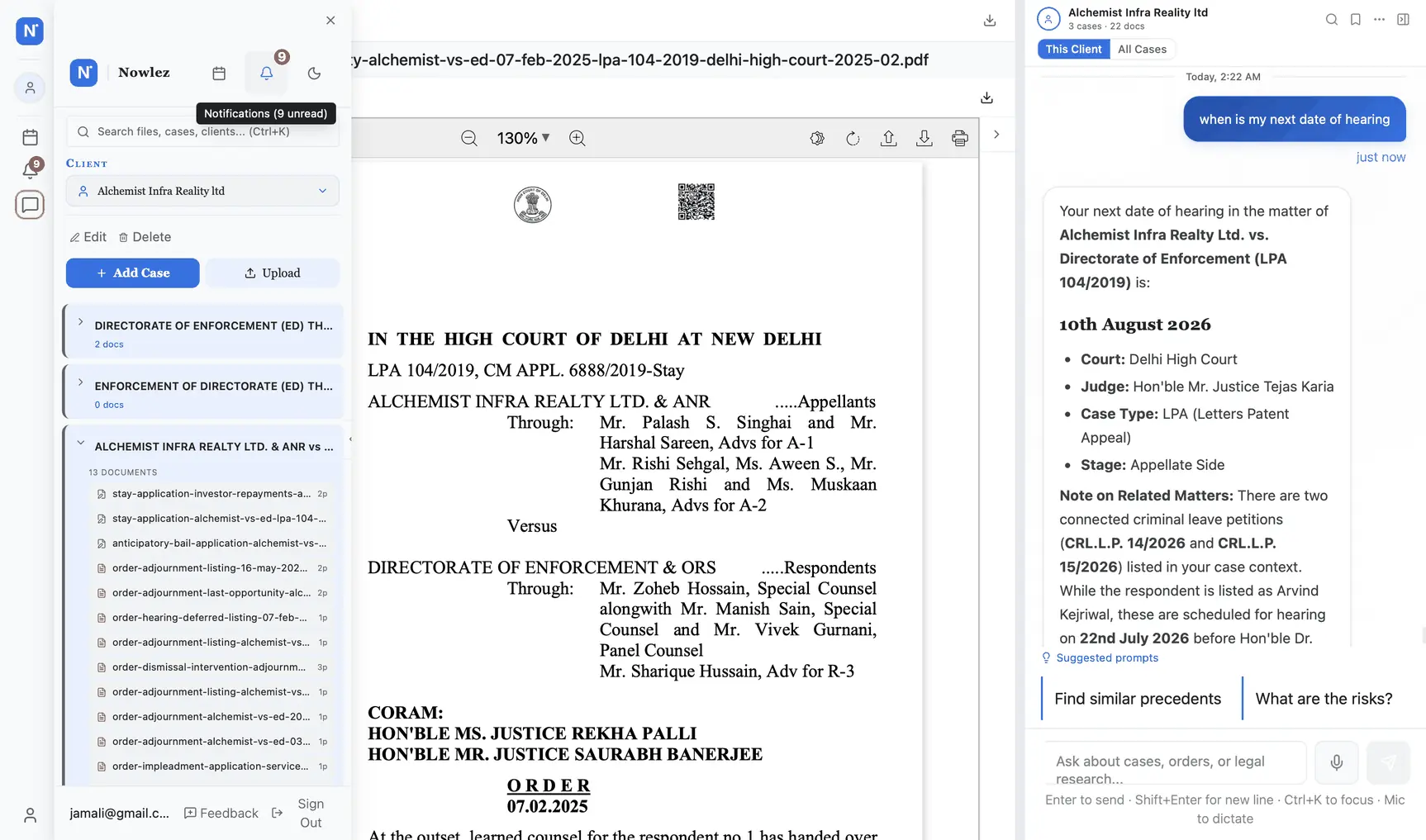
Everything listed this week across every court, in one scroll.
What it does
Real-time tracking across 26,000+ courts
Add any matter by CNR and I keep it current, with reminders before every listed date, so nothing slips.
Reads every new order and drafts the reply
The moment an order publishes I pull the PDF, tell you what it means, and draft your response.
E-filing, documents and OCR in one place
I clear registry defects, OCR and organise your case files, and edit in MS Word, all tied to the matter.
Common questions
I cover 26,000+ courts: the Supreme Court, all 25 High Courts, every District and taluka court on eCourts, and tribunals (NCLT, CAT, NGT, NCDRC, DRT). Add any case by CNR and it syncs automatically; where a court is still being integrated you can track it manually, and reminders and documents work either way.
Automatically, in the background: the cadence adapts to how active a matter is, so a case with a hearing coming up syncs more often than a dormant one. Manual refresh is always available on any plan: tap the refresh icon on a case card and the latest status pulls in within 30 seconds.
Yes. Add the case with court plus case number, and I will resolve the CNR by searching the court records. Once resolved, the CNR stays linked to that matter permanently: even if the case is transferred, appealed or renumbered, the CNR follows it and so does your tracking.
Yes. Bulk import accepts CSV or Excel; required fields are client name and one of (CNR, case number plus court). A 50-matter import typically processes in under 2 minutes; CNRs auto-sync on import and case history populates in the background. If a row fails, you get a line-by-line error report so you can fix and retry just the failed rows.
Yes, for any High Court that publishes case data to the NJDG (most now do, though with varying freshness). For HCs that maintain separate portals (Delhi HC, Bombay HC), I pull from those portals too; roster and cause-list data is fetched wherever publicly available. The per-state guides cover the specific quirks of each major HC.
Yes. Upload PDF, DOCX, DOC, ODT, RTF and images (scanned files are OCR-ed so you can full-text search them). Each file is tagged to a matter, classified and summarised on upload. Editing is collaborative in MS Word, powered by OnlyOffice, with track-changes, comments and full version history, included with Chambers.
Your data stays with you. Export all cases (with full history, orders and documents) as a ZIP from Account Settings at any time, before, during or after your subscription. Cancellation does not delete data; it stops sync and limits adding new matters. Reactivation restores full access instantly.
Included with Chambers: up to 500 cases, auto-synced. Free covers up to 5.
Start free trial